How to Monitor Competitor Pricing Like a Pro [+ Case Study]

Written By Hanzala Saleem
Updated At July 30, 2026 | 8 min read
Written By Hanzala Saleem
Updated At July 30, 2026 | 8 min read
Quick answer: To monitor competitor pricing, pick the handful of competitors you actually compete with, capture their product and pricing pages on a fixed schedule, extract the price from each capture, and store the results so you can compare changes over time. Automating the capture step is what makes this repeatable across hundreds or thousands of pages instead of a manual weekly chore. The five steps below cover the full workflow, followed by how Tjommi runs it in production.
Most eCommerce and deal-aggregator businesses price against their competitors, so knowing what rivals charge is the input that drives the decision. The hard part is collecting that data reliably. Prices change without notice, banners and cookie popups hide the number you need, and checking pages by hand stops scaling the moment you pass a dozen products.
This guide walks through the five steps of competitor price monitoring: choosing who to track, capturing pricing pages on a schedule, pulling the price out of each capture, protecting your margin, and picking the right tool. Then we show how Tjommi, a ScreenshotAPI customer, runs the same workflow across thousands of product pages. Pricing is one surface. The same approach extends to product, messaging, and feature pages through automated competitor monitoring.
It’s a competitive world, and the best way to create excellent strategies (pricing and otherwise) is to know what your competitors are - and are not - doing.
For example, when running an online store, it could be helpful to know what other stores are charging for the same products, so you can evaluate whether your quality should mean you increase your prices or price-match your competitors.
Either way, when you start monitoring website pricing, you’ll enjoy several benefits, including:
Price monitoring sharpens product strategy whether or not you sell anything yourself. Shoppers and deal sites use the same techniques to surface the best price on a product. The clearest example is Tjommi, a ScreenshotAPI customer that built an entire cash-back service on it.
The two ways to monitor competitor prices differ mainly in how they scale. The table below shows where each one fits.
| Factor | Manual checking | Automated capture |
|---|---|---|
| Setup effort | None, open the page and read it | One-time schedule and parsing setup |
| Time per cycle | Grows with every product added | Flat, the schedule runs itself |
| Catches flash sales | Rarely, only if you happen to look | Yes, at your chosen capture interval |
| Error rate | High, manual copy and entry | Low, same extraction every run |
| Practical ceiling | ~10 to 20 pages | Thousands of pages |
| Proof of change | A note or manual screenshot | Timestamped capture history |
Manual checks are fine for a handful of pages you watch occasionally. Past roughly a dozen products, the workload climbs faster than the value, and time-sensitive changes such as flash sales slip through between checks. Automated capture flips that: you define the products and competitors once, and the system collects on a fixed cadence without fatigue or gaps.
Tjommi helps its users get cash back if a product’s price drops after the purchase.
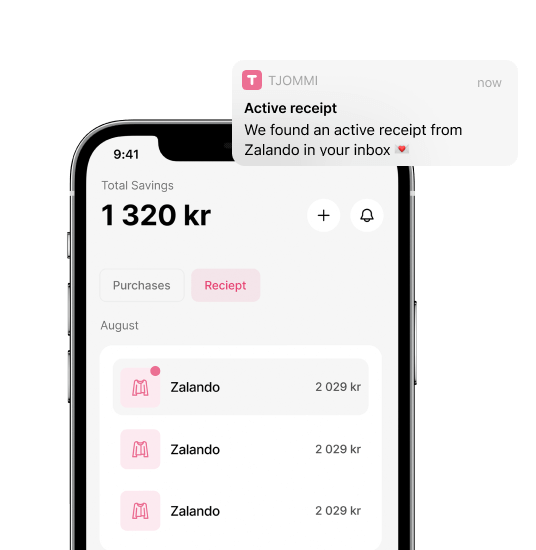
Tjommi needs to monitor a massive range of product prices to provide this service.
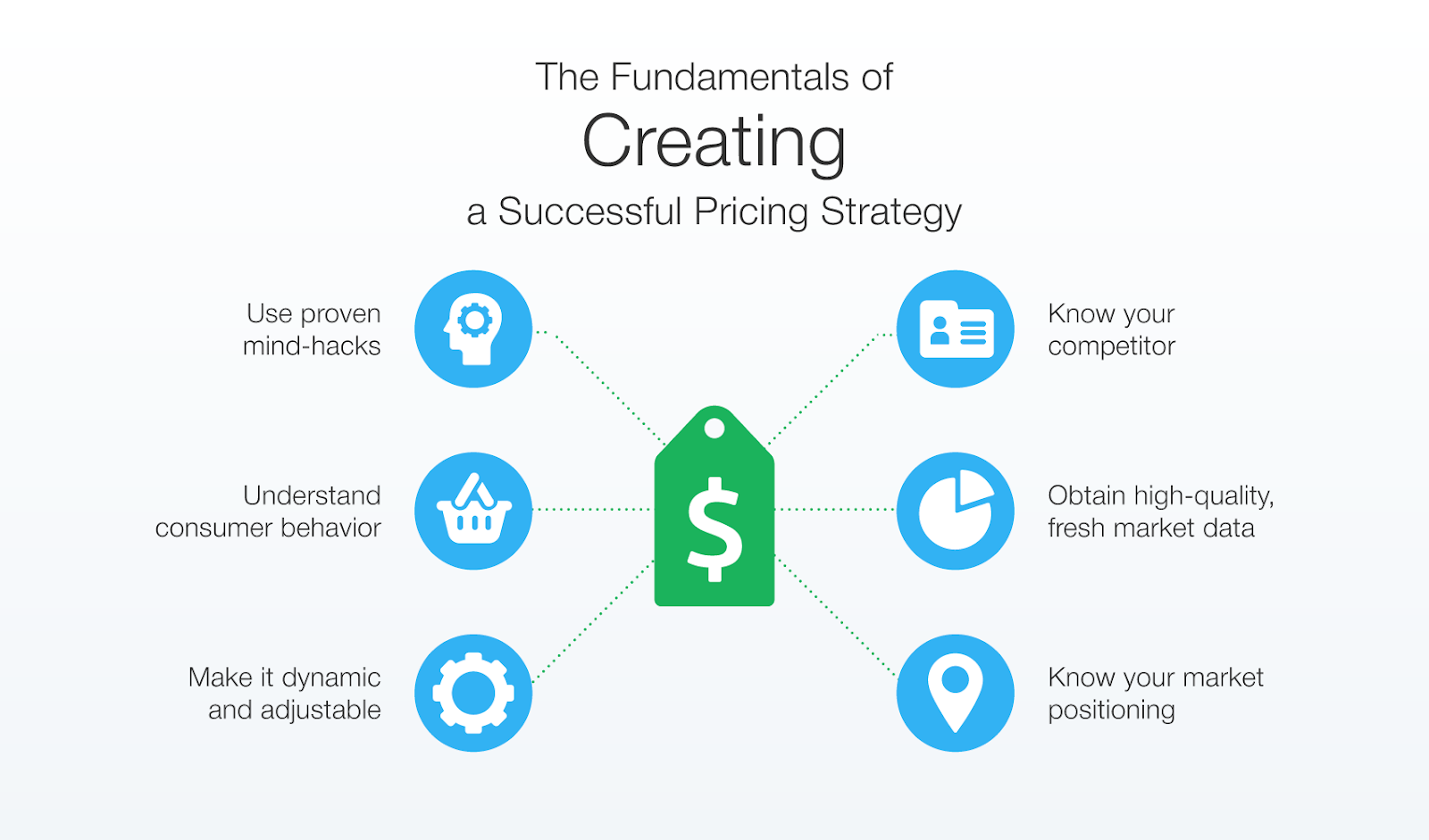
It’s impossible to track every competitor and how much they charge for a specific product. But who do you track, then?
Identify a few competitors with whom you’re actually competing. For example, based on the product alone, you’ll likely find thousands of competitors on the market. However, if you find competitors based on your ideal customer, you’ll narrow down this list.
To make data-driven pricing decisions, you need accurate pricing information. You need real-time prices, especially in industries where pricing varies constantly or when you use automation to adjust your pricing.
| Goal | Capture frequency |
|---|---|
| Flash-sale detection | Every 15 to 60 minutes |
| Daily competitive tracking | Every 1 to 6 hours |
| Weekly trend analysis | Once daily |
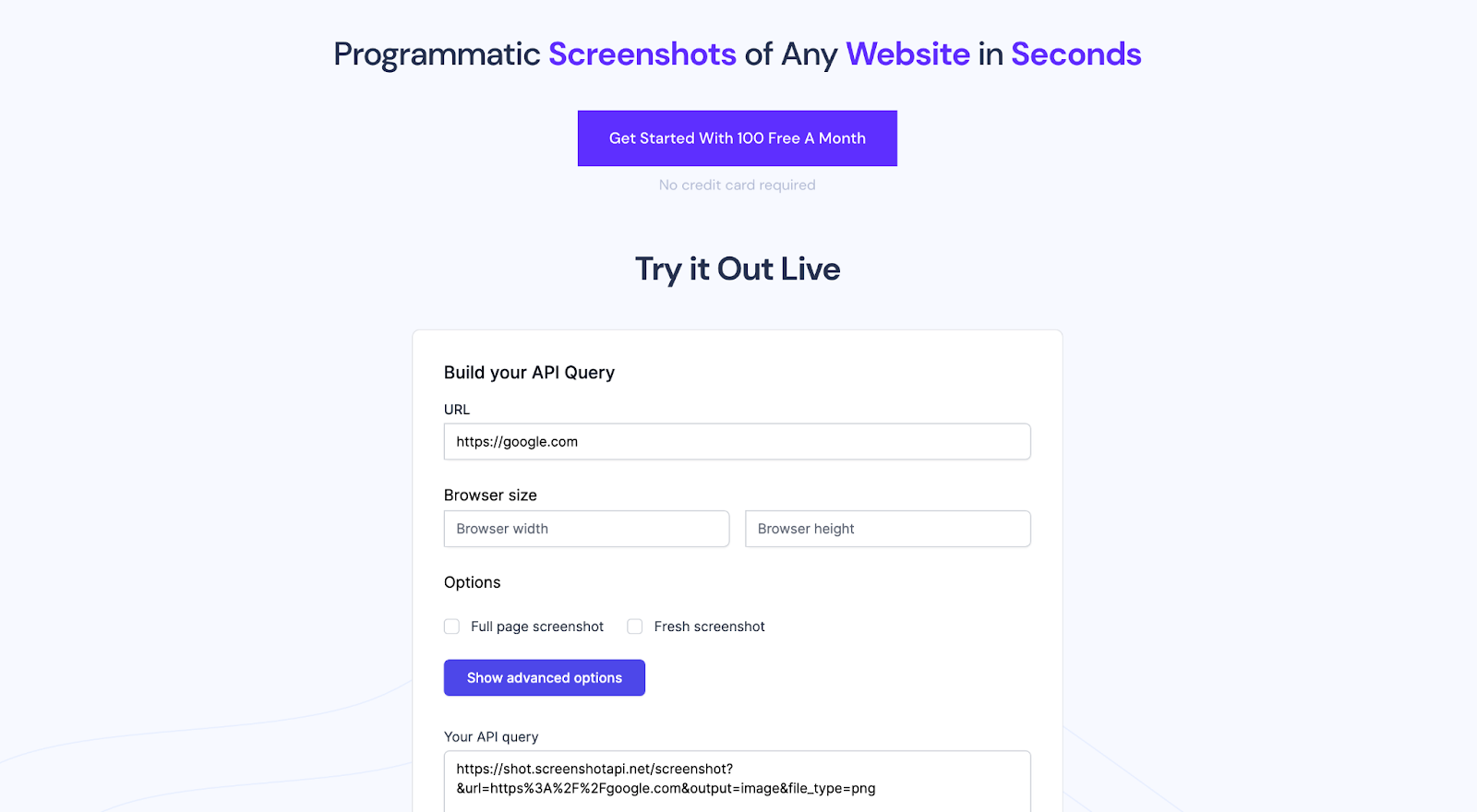
With ScreenshotAPI you set this once using the scheduled screenshot feature, point it at your competitor URLs, and each run stores a fresh capture to your own storage bucket. Turning on the built-in ad and popup blocker matters here: cookie banners and promo overlays routinely cover the exact price you are trying to read, and removing them is what makes the captured price reliable run after run.
A screenshot proves what a page looked like, but to compare prices over time you need the number in a structured form. Enable text extraction alongside each capture so every run returns the readable page content next to the image. From that text you can pull the price, sale price, and stock status into a spreadsheet or database, then diff today's value against yesterday's to flag movements.
This is the step that separates visual monitoring from price intelligence. A visual diff tells you something on the page changed. Extracted text tells you the price went from $49 to $39, which is the data point your pricing decision actually runs on. Keeping the screenshot as well gives you defensible proof of the change for internal sign-off.
When competitors monitor each other’s pricing, it often happens that if one lowers the prices, another follows, and so on. The cycle repeats itself, which results in a race to the bottom. In other words, many believe that the vendor with the lowest pricing will make the sale.
For this reason, you should always know your margins and the price you’ll need to make a profit. This will keep you out of pricing wars, which could ultimately lead to selling products at little to no profit.
If your competitors can compete with very slim margins, dive into the research to identify why. Their products may be low-quality, so you could increase your pricing and still convert quality-sensitive consumers.
Price is one input, not the whole strategy. Buyers also weigh customer experience, after-sales support, and the qualities that set you apart, so be clear on the value you add before you compete on numbers alone. In a market full of near-identical products at similar prices, that differentiation is often what wins.
The tool you choose decides whether this workflow is sustainable. The next section compares the main options so you can match one to your scale.
Most tools fall into three groups: visual change monitors, dedicated retail price-intelligence platforms, and programmatic capture APIs. They suit different jobs and scales.
| Tool type | Best for | How it gets the price | Scale |
|---|---|---|---|
| Visual change monitor | Spotting that a page changed | Screenshot diff, alert on change | Tens of pages |
| Retail price-intelligence platform | Catalog-scale retail repricing | Managed feeds, dashboards | Thousands of SKUs |
| Programmatic capture API | Building your own pipeline | Scheduled capture plus text extraction | Hundreds to thousands of pages |
Visual monitors are quick to set up but tell you a page changed, not what the new price is. Retail platforms deliver full price intelligence and automated repricing, at enterprise cost and setup. A capture API like ScreenshotAPI sits in between: you control the workflow and storage, get both the screenshot and the extracted price text, and pay per capture rather than per SKU. That middle ground is why teams that want their own pipeline, like Tjommi, build on it instead of buying a closed platform.
As Helge Sverre, Tjommi CTO, explains:
“ScreenshotAPI.net helped us quickly solve a problem where we needed to document price changes for products by taking a screenshot of the product page. Our biggest reason for picking ScreenshotAPI instead of making our own solution, was their out-of-the-box banner and popup blocker. [Typically, banners and popups] would obscure the price on the product page[s].”
Apart from this, ScreenshotAPI also has several other features that simplify the process of online price tracking.
For example, for Tjommi, one of the best features is the built-in banner and popup blocker, which allows them to take screenshots of thousands of product pages without ads or promotional popups obscuring their prices.
Finally, if you’re price-conscious like Tjommi (it comes with the territory), you’ll love ScreenshotAPI’s pricing. To learn more about taking programmatic screenshots, get your free ScreenshotAPI key today!
Match the cadence to how fast the market moves. Capture every 15 to 60 minutes when you are watching for flash sales, every few hours for daily competitive tracking, and once a day for slower categories where prices shift weekly. More frequent captures cost more and create more data to review, so start lower and increase only if you are missing time-sensitive changes.
Cookie consent banners and promotional overlays often render on top of the exact price you are trying to capture, so the screenshot or extracted text misses the number. Removing them at capture time, as ScreenshotAPI's built-in popup blocker does, is what made reliable capture possible for Tjommi across thousands of pages.
Capturing publicly visible pricing information is generally permissible, but treat competitor sites respectfully: honor robots.txt where you can, avoid capture frequencies that could strain their servers, and do not try to bypass access controls or logins. When a specific case is unclear, check with legal counsel familiar with your industry.
Yes. Many pricing pages load prices through JavaScript after the initial HTML, so a tool that renders the page in a real browser before capturing is required. ScreenshotAPI renders pages in a full browser, so dynamically loaded prices appear in the capture and the extracted text.


