PNG
LosslessLossless Quality
Perfect for UI screenshots, text-heavy pages, and documentation where every pixel must be sharp. Zero compression artifacts.
ScreenshotAPI is both an online website screenshot generator and a developer API. Paste a link to take a website screenshot online in seconds, or call the endpoint to turn any URL into a screenshot programmatically. Capture the full page, a fixed viewport, or a single element as a PNG, JPG, WebP, or PDF, with ads, cookie banners, and chat widgets removed automatically before capture.
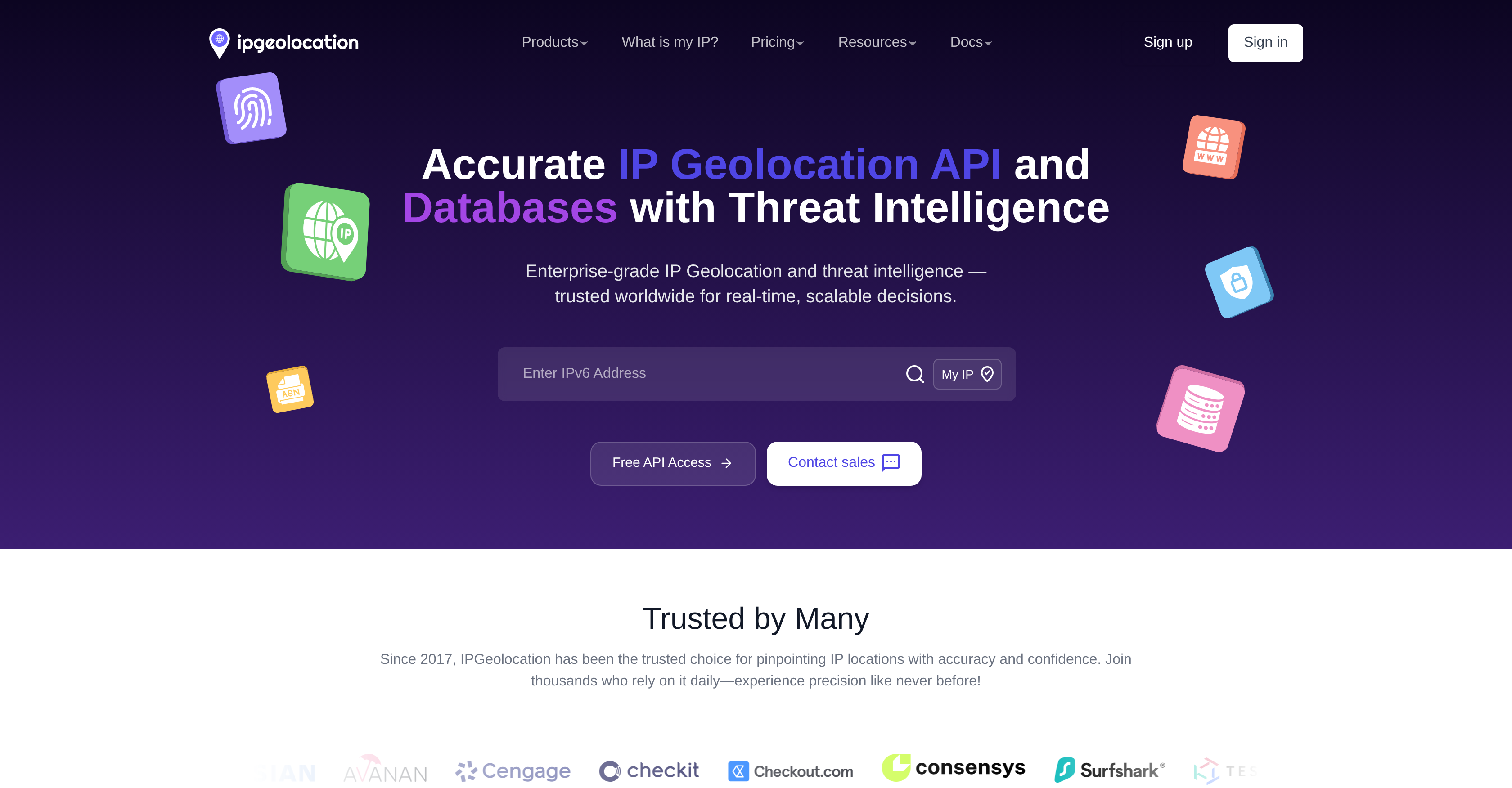
https://shot.screenshotapi.net/v3/screenshot?token={token}&url=https://ipgeolocation.io/&width=1680&height=876&fresh=true&file_type=webp
ScreenshotAPI runs the same capture pipeline for a single request and for batches of millions. A 99.9% uptime SLA, sub-3-second average render time, and automatic concurrency handling mean you do not manage browsers, queues, or retries.
99.9%
Uptime SLA
Enterprise-grade reliability backed by a formal SLA commitment.
< 3s
Avg. Render Time
Most screenshots render and return in under 3 seconds globally.
88M+
Screenshots Processed
Over 88 million automated captures served across developer workflows.
10K+
Developers & Teams
Used by startups, agencies, and enterprise engineering teams worldwide.
Live uptime and incident history available at status.screenshotapi.net
A URL to screenshot converts any web address into a static image or PDF. You send the link, a real Chromium browser loads the page exactly as a visitor would see it, and you get back a PNG, JPG, WebP, or PDF file. There is no browser extension to install and no headless browser to maintain.
A screenshot URL is the same idea expressed as an address: a single request URL that returns the finished capture. With ScreenshotAPI that request looks like this, and every capture option is just another query parameter.
Fresh
Scrolling Screenshot
With Custom Viewport, define the exact width and height to match your target breakpoints. For long pages, switch to a full page screenshot; to export the result as a document, save the webpage as a PDF without cutting off content. Whether you’re testing:
Custom viewport dimensions ensure every screenshot looks exactly as expected across devices, and adding retina=true renders any of them at 2x pixel density for high-DPI displays and 4K-class output. Essential for responsive design testing, cross browser QA, and CI/CD pipelines where consistent, reproducible results are critical. The reference table below lists the viewport sizes teams test most often, ready to copy into a request.
Fresh
Scrolling Screenshot
Skip the full page screenshot and capture only the exact element that matters. By specifying a CSS selector, ScreenshotAPI grabs a clean, precise screenshot of any component — charts, buttons, product images, or any page section. Reduces image size, speeds up screenshot automation workflows, and gives you pixel-perfect control over what's captured.
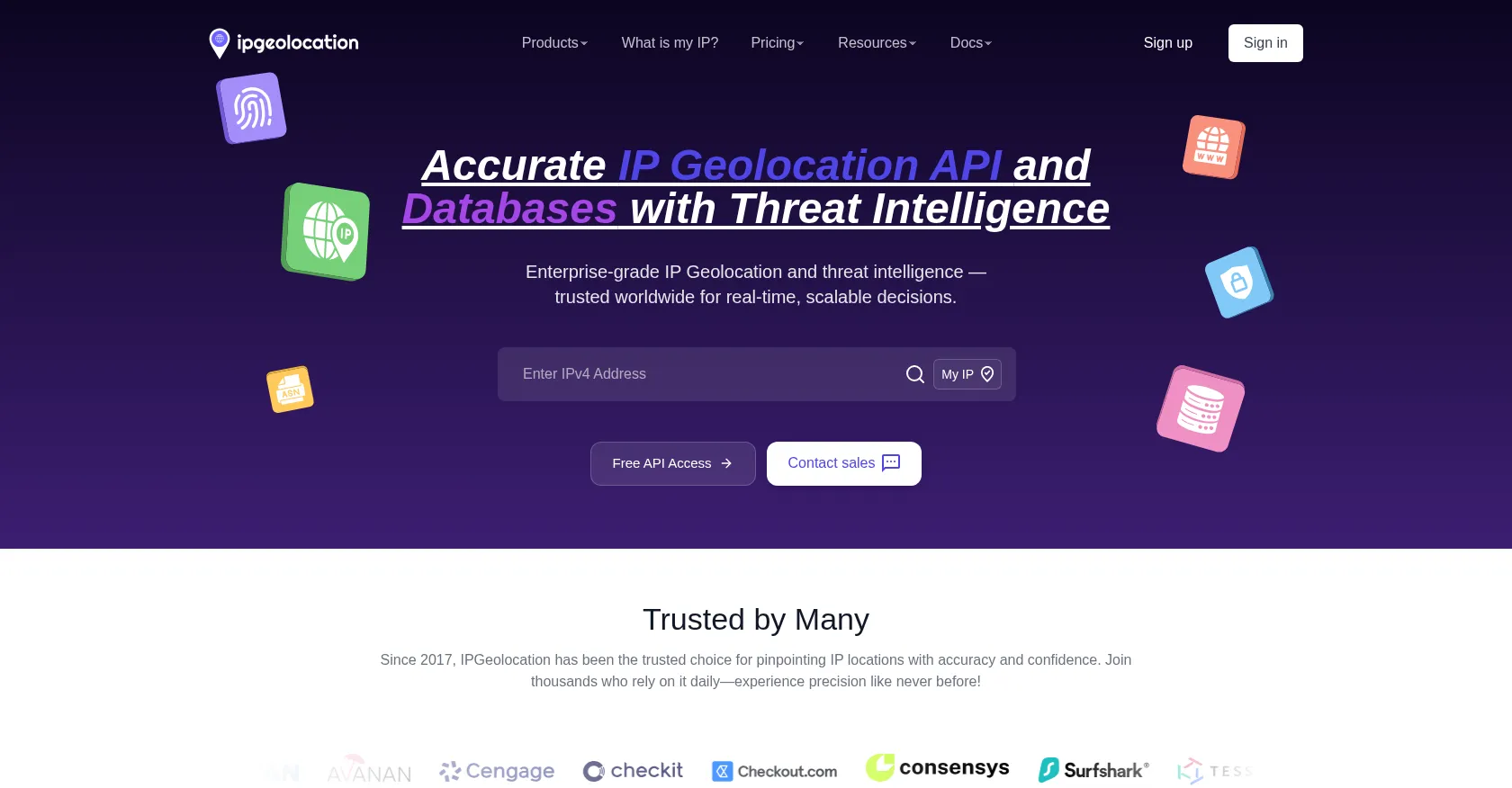
Fresh
Scrolling Screenshot
Customize the page before capture with Inject CSS & JS. Add inline CSS to hide cookie banners, fix sticky headers, or tweak spacing, and run lightweight JavaScript to open modals, trigger lazy-loaded content, or wait for data to render - then snap the perfect shot. This gives you clean, on-brand screenshots without manual editing, ideal for demos, testing, and documentation.
Convert any URL to an image (PNG, JPG, or WebP) or a print-ready PDF. Every format supports full page or viewport capture and retina 2x pixel density, so one request covers web embeds, reports, and archives.
Lossless Quality
Perfect for UI screenshots, text-heavy pages, and documentation where every pixel must be sharp. Zero compression artifacts.
Smaller File Size
Ideal when bandwidth matters and minor compression is acceptable - social previews, email embeds, and large-scale monitoring.
Best Compression Ratio
Google's modern format delivers the smallest file at comparable visual quality - the optimal choice for web-embedded screenshots.
Print-Ready Archival
Capture full-page renders as single-file PDFs - essential for legal archival, compliance documentation, and print workflows.
Set file_type=png|jpg|webp|pdf in any API request. See format docs →
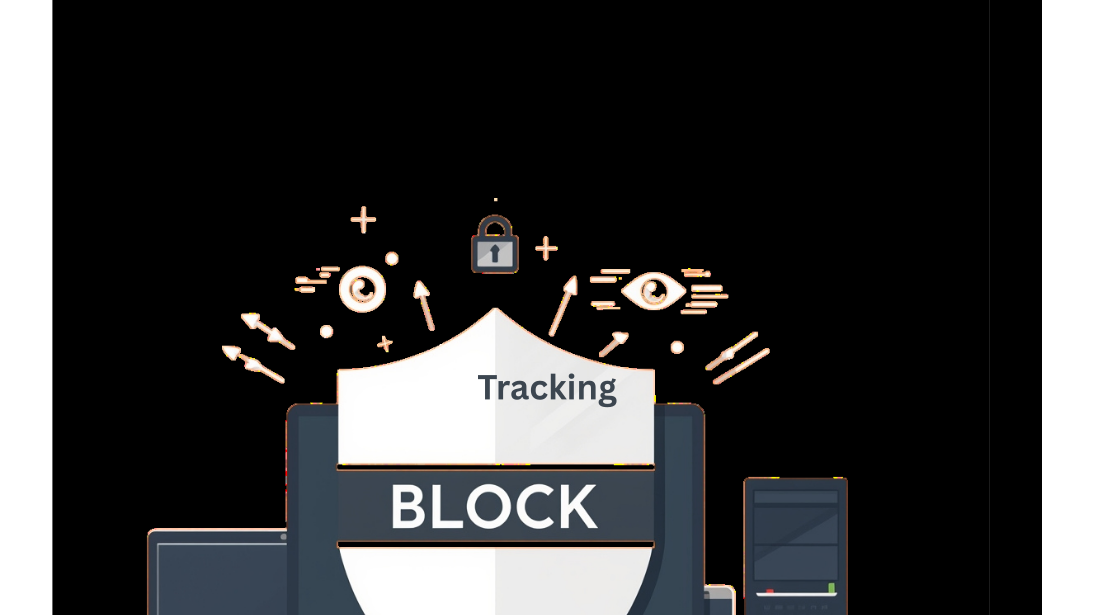
Capture pixel-perfect screenshots without the clutter. Automatically strip out cookie pop-ups, ads, chat widgets, and trackers so every screenshot shows only what matters.
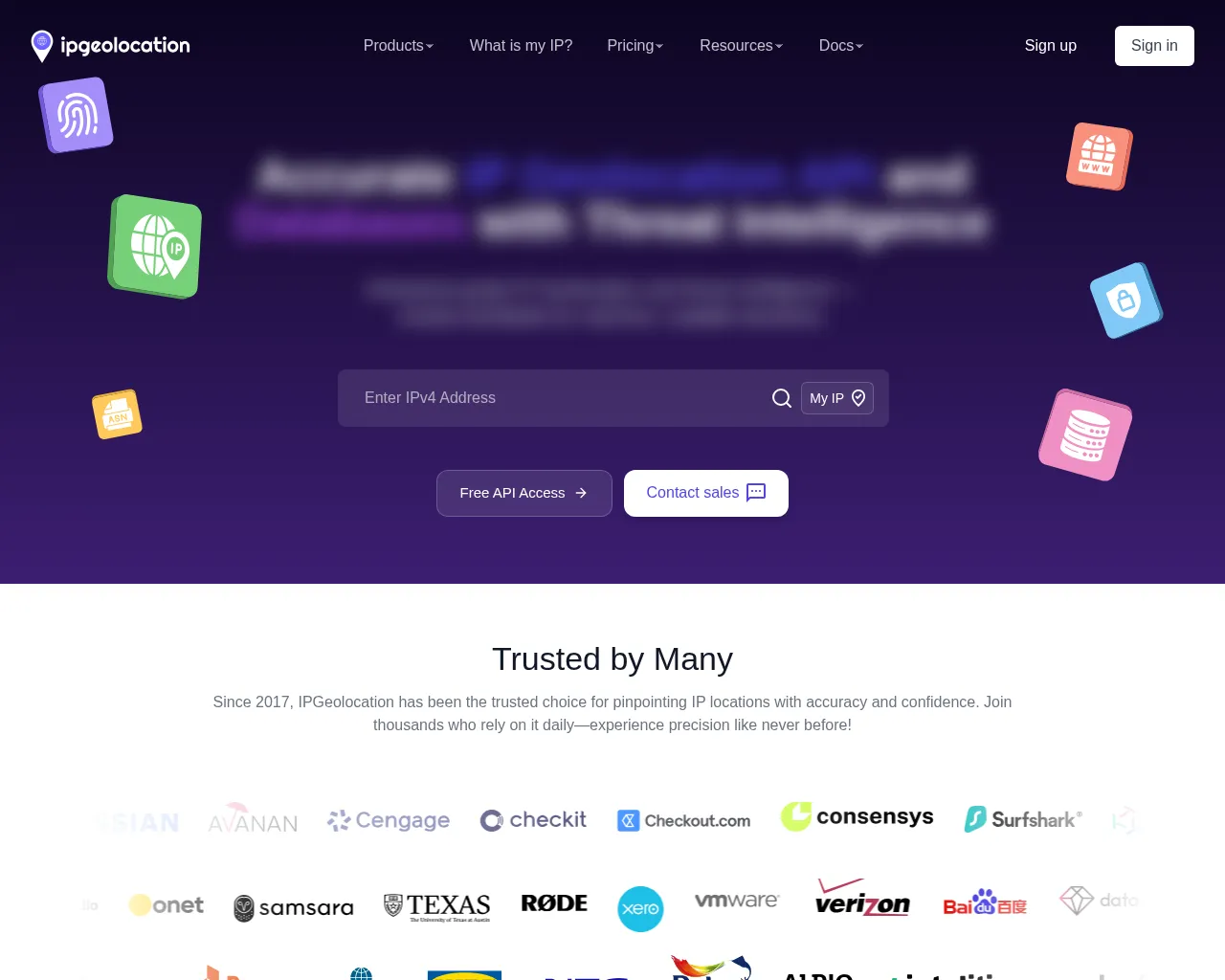
Fresh
Scrolling Screenshot
Hide sensitive info without editing tools. With Blur Selector, target any element via CSS selector - like emails, prices, IDs, or avatars - and automatically blur it before capture for clean, privacy-safe screenshots. This makes it easy to share or archive screenshots without exposing confidential data.
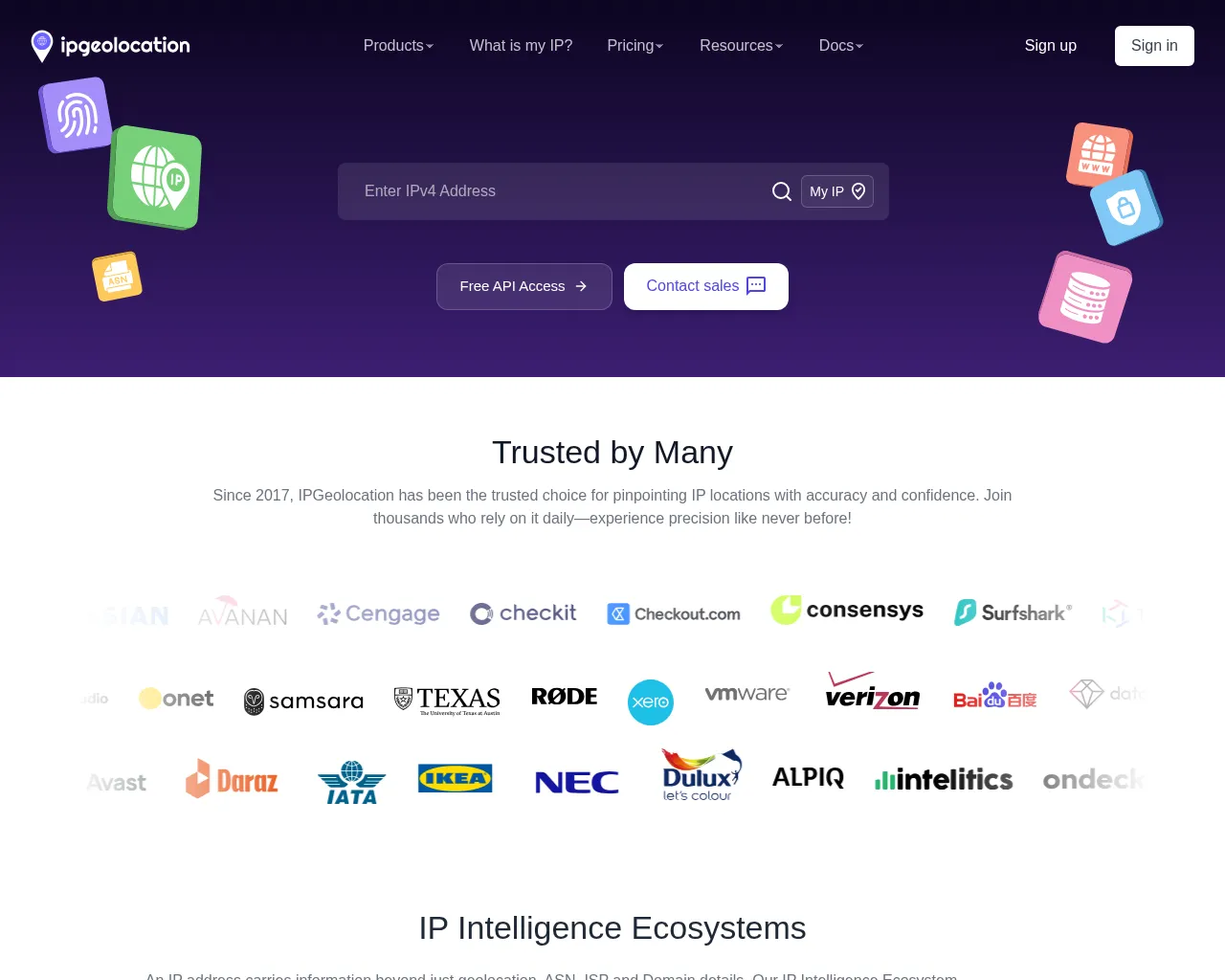
Fresh
Scrolling Screenshot
Cut the clutter in one step. Use Remove Selector to strip out banners, popups, sticky headers, or any distracting element by CSS selector so your screenshot highlights only what matters. It’s the simplest way to keep your screenshots focused, professional, and distraction-free.
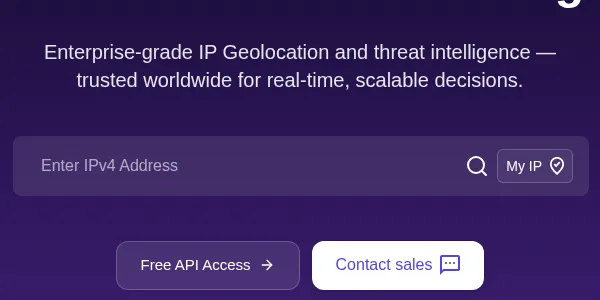
Capture just the area you need. Clip Screenshot lets you define an exact rectangle (x, y, width, height) to crop the page before saving - perfect for components, hero sections, or above-the-fold views. This gives you lightweight images that load faster and show only the content you care about.
Fine-tune exactly what loads before the screenshot is taken. Block scripts, stylesheets, media, or fetch requests individually, or combine them for faster, cleaner, and more consistent captures.


Use presets below to reach common outcomes quickly.
block_js=trueblock_media=trueRemoves distractions; keeps CSS styling.
block_js=trueblock_stylesheets=trueblock_media=trueStructure-only for diffs and crawlers.
block_fetch=trueblock_js=trueStops client calls and trackers.
There are three common ways to turn a URL into a screenshot: a browser extension, a self-hosted headless browser, or a screenshot API you can also use as a free online tool. The right choice depends on your scale, your team's capacity, and how much infrastructure you want to own.
Manual - one page at a time
Puppeteer · Playwright · Chromium
Single HTTP request - no infra
The comparison below focuses on production-scale screenshot generation and compares the self-hosted headless browser approach with using a managed Screenshot API - the two options relevant to engineering teams building automation pipelines.
Puppeteer and Playwright are powerful tools but running a production-grade, scalable screenshot service on top of them means maintaining servers, handling memory leaks, writing retry logic, and keeping browsers updated. ScreenshotAPI handles all of that so your team can ship faster.
| Capability | DIY (Puppeteer / Playwright) | ScreenshotAPI |
|---|---|---|
| Setup time | Hours to days | < 5 minutes |
| Ad & cookie banner blocking | Manual configuration by adding thousands of rules | Built-in, one parameter |
| Full page screenshots | often buggy on large pages | Native support |
| CSS selector capture | Custom scripting required | Single API parameter |
| Authentication / cookie injection | Session management overhead | Pass cookies via parameter |
| Concurrent screenshot scaling | Queue engineering required | Handled automatically |
| Retina / high-res output | Manual deviceScaleFactor setup | retina=true parameter |
| Scheduled recurring captures | CRON + custom infra | Native scheduled screenshots |
| Blur or Remove Sections | Requires custom scripting | Built-in support |
Stop maintaining infrastructure. Start shipping features.
Replace your entire headless browser pipeline with a single HTTP request. 7-day free trial with 100 screenshots, no credit card required.
Capture full-page screenshots to showcase websites, create detailed reports, preserve web pages, or share seamless content without missing any part of the page.
Monitor website changes and track visual updates by capturing screenshots at regular intervals using simple URL inputs.
Track competitor websites, pricing pages, and product launches by automatically capturing screenshots from URL lists.
Preserve important web content by turning any website link into a screenshot archive. A quick web snapshot from a URL, perfect for legal documentation and compliance.
Generate instant social media preview screenshots from URLs for content sharing and social media management platforms.
Automate visual regression testing by capturing screenshots of different URL endpoints across staging and production environments.
Create visual documentation by capturing screenshots of API documentation pages, ensuring comprehensive developer resources.
Every screenshot API renders a URL in headless Chromium. The differences show up in what ships built in versus what you script yourself. This table reflects each vendor's own published documentation and pricing.
| Capability | ScreenshotAPI | ScreenshotOne | Urlbox | ApiFlash |
|---|---|---|---|---|
| Free to start | Yes. 7-day trial, 100 screenshots | Yes. Free tier, 100 per month | Yes. Free trial | Yes. Free tier, 100 per month |
| Entry paid plan | $9/mo for 1,000 screenshots | $17/mo for 2,000 screenshots | $19/mo for 2,000 renders | $7/mo for 1,000 screenshots |
| PNG, JPG, WebP, and PDF output | Yes. All four via file_type | Yes. All four supported | Yes. All four supported | No. Native PDF not supported |
| Ad, cookie banner, and chat widget blocking | Yes. Built in, 20,000+ Rules | Yes. Built in | Yes. Built in | Partial blocking |
| Scheduled/Automated recurring screenshots | Yes. Native, cron expressions | No. Via their API tooling | No. Via API automation | No. Not documented |
| Bulk capture from a list | Yes. CSV and JSON input | No. Via API scripting | No. Via API scripting | No. Not documented |
| Cloud storage delivery | Yes. S3, Google Cloud, Azure | Yes. S3-compatible upload | Yes. Google Cloud; S3 on higher tiers | Yes. S3-compatible upload |
From zero to automated screenshot generation in three steps. No headless browser setup, no infrastructure management.
Sign up in seconds - no credit card required. This URL screenshot generator gives you an API token instantly, with full access during the 7-day free trial to every capture feature: full page screenshots, viewport customization, CSS injection, and ad blocking. You can even take a screenshot of an entire web page on Mac or Windows without installing anything.
Pass your target URL and capture parameters as query string arguments to the REST endpoint. Choose your output format (PNG, JPG, WebP, or PDF), set viewport dimensions, enable full-page capture, and apply any filters, all in a single GET request.
The API responds with your screenshot image - ready to store in S3, render in your UI, send to a pipeline, or archive. Integrate with cloud storage via native Storage Integration, or pipe directly into Zapier, Make, n8n, and other automation platforms.
Try it before you integrate
Use the interactive Playground to fire live screenshot API requests and inspect responses in real time - no code required.
ScreenshotAPI is a simple RESTful HTTP API that can be accessed from any language or framework that supports HTTP requests.
const axios = require("axios");
const fs = require("fs");

const params = new URLSearchParams({
  token: "YOUR_API_TOKEN",
  url: "https://example.com",
  width: "1440",
  height: "900",
  file_type: "png",
  full_page: "true",
  no_cookie_banners: "true",
  block_ads: "true",
  selector: ".pricing-table",
  remove_selector: ".info",

});

const response = await axios.get(
  `https://shot.screenshotapi.net/v3/screenshot?${params}`,
  { responseType: "arraybuffer" }
);

fs.writeFileSync("screenshot.png", response.data);
console.log("Screenshot saved.");If you are hesitating, do not worry. We are here to explain everything you might want to know. Let us help!
Don't see your question here?
Browse all help articles